
A tropical hornbill perched on a tree branch in a lush rainforest, vivid wildlife photography.
Create AI images and turn text or images into short videos with Grok Imagine AI. Explore image editing and Grok Spicy Mode for creative ads and social shorts on our independent platform.
A tropical hornbill perched on a tree branch in a lush rainforest, vivid wildlife photography.

An anime cybernetic heroine sprinting through a neon futuristic city, dynamic action scene.

A decorated cake on a stand in a minimalist 1990s indoor setting.

add skin texture

A first-person Elder Scrolls scene in a volcanic ashlands, featuring a player with a chitin blade and lightning, in a gritty, photorealistic style.

A cinematic POV of a rider on a dark red dragon in flight, with dramatic cloudy sky.

An elegant fashion portrait of a woman wearing a jeweled silver headdress and couture gown.

Cinematic storm clouds rolling over a yellow field with a muddy path and a tiny red house.

An iridescent rainbow suitcase displayed inside a modern city bus shelter advertisement.

An audience seated in a sunlit cinema, captured in nostalgic documentary photography.
A tropical hornbill perched on a tree branch in a lush rainforest, vivid wildlife photography.
An anime cybernetic heroine sprinting through a neon futuristic city, dynamic action scene.
A decorated cake on a stand in a minimalist 1990s indoor setting.
add skin texture
A first-person Elder Scrolls scene in a volcanic ashlands, featuring a player with a chitin blade and lightning, in a gritty, photorealistic style.
A cinematic POV of a rider on a dark red dragon in flight, with dramatic cloudy sky.
An elegant fashion portrait of a woman wearing a jeweled silver headdress and couture gown.
Cinematic storm clouds rolling over a yellow field with a muddy path and a tiny red house.
An iridescent rainbow suitcase displayed inside a modern city bus shelter advertisement.
An audience seated in a sunlit cinema, captured in nostalgic documentary photography.

A cinematic studio photograph of a sleek, glowing humanoid figure with rim lighting in a minimalist, surreal style.

A cinematic close-up of a Formula 1 driver's intense face against a blurred, dynamic racing background.

A runway model wearing a sculptural translucent black couture gown against a dark backdrop.

The Little Prince and the Little Fox (3D)

A wild boar resting in dry woodland grass under warm natural light.

A stylish young man presenting a colorful patterned beverage can in saturated studio lighting.

A photorealistic 3D rendering of an Asian cyborg woman's face in a futuristic, moody style.

realistic camera close-up photograph shot by juergen teller of a young man standing in a packed nightclub, eyes closed, face tilted slightly upward, expression of pure bliss and serenity — completely lost in the music. He has short tousled dark hair, light stubble, wearing a white short sleeve tshirt. His skin is bathed in cool blue club lighting with scattered red and dark dark accent lights hitting the crowd behind him. The background is a dense, out-of-focus crowd of people dancing and moving, bokeh from club lights creating soft orbs of dark blue. The mood is euphoric and meditative at the same time, one still person in a sea of motion. motion blur on the surrounding crowd while the subject remains sharp. Cool dark blue color grade with desaturated skin tones. Front view!

A glass perfume bottle on a pedestal, in a geometric, minimalistic style with complementary colors and stark lighting.

A pixel art image of a nighttime motorcycle ride with a woman and man on a sports bike, in a rural setting.
A cinematic studio photograph of a sleek, glowing humanoid figure with rim lighting in a minimalist, surreal style.
A cinematic close-up of a Formula 1 driver's intense face against a blurred, dynamic racing background.
A runway model wearing a sculptural translucent black couture gown against a dark backdrop.
The Little Prince and the Little Fox (3D)
A wild boar resting in dry woodland grass under warm natural light.
A stylish young man presenting a colorful patterned beverage can in saturated studio lighting.
A photorealistic 3D rendering of an Asian cyborg woman's face in a futuristic, moody style.
realistic camera close-up photograph shot by juergen teller of a young man standing in a packed nightclub, eyes closed, face tilted slightly upward, expression of pure bliss and serenity — completely lost in the music. He has short tousled dark hair, light stubble, wearing a white short sleeve tshirt. His skin is bathed in cool blue club lighting with scattered red and dark dark accent lights hitting the crowd behind him. The background is a dense, out-of-focus crowd of people dancing and moving, bokeh from club lights creating soft orbs of dark blue. The mood is euphoric and meditative at the same time, one still person in a sea of motion. motion blur on the surrounding crowd while the subject remains sharp. Cool dark blue color grade with desaturated skin tones. Front view!
A glass perfume bottle on a pedestal, in a geometric, minimalistic style with complementary colors and stark lighting.
A pixel art image of a nighttime motorcycle ride with a woman and man on a sports bike, in a rural setting.
Community prompts
Discover videos created by our community using Grok Imagine and Grok Spicy for fast, creative AI video generation.
Drag to explore
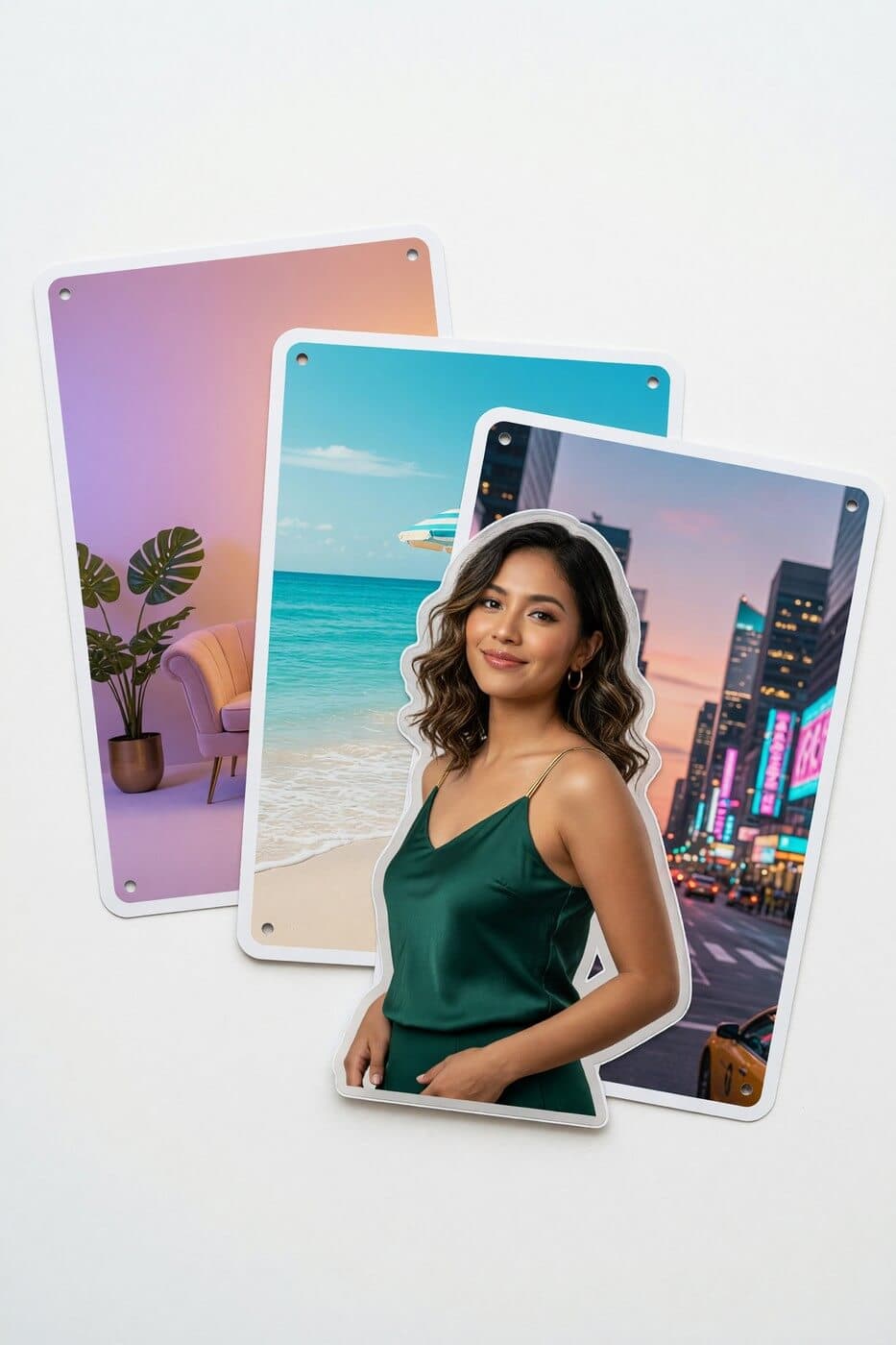
Create and edit visuals from prompts or reference photos. Generate, revise, restyle, and compare directions in one workflow, with output up to 2K.
Explore more tools
Jump into focused generators for image-to-video and high-quality AI image creation.
Animate a still image into a short AI video with prompt-guided motion.
Generate, edit, and refine higher-quality AI images from simple prompts.









Three steps. One creative flow.
Grok Imagine Getting Started: Create short videos in 3 simple steps on our independent image and video creation platform.
Learn how to use Grok Imagine by selecting between text-to-video or image-to-video generation with Grok spicy-powered effects.
Enter detailed text prompts or upload an image. Grok Imagine interprets your idea and animates it into a short video.
Click generate, then download your Grok Imagine clip with sound. Perfect for social shorts or ads.
Master how to use Grok Imagine with our comprehensive Getting Started guide
Start Using Grok Imagine NowBuilt for creative velocity
Grok Imagine and Grok spicy bring powerful AI video creation to everyone — fast, photorealistic, and creative.
Enter a sentence or upload an image to get an animated short with sound.
Create visuals with detailed textures and natural lighting.
Switch between realistic and artistic looks.
Create bolder content within safe boundaries.
Generate 6–15s videos in seconds, ready to share.
Marketing, social media, e-commerce, entertainment.
Buy credits for supported image and video models. Available output settings and credit costs depend on the selected model.
100 credits
≈ 10 videos at these settings
$0.10 per credit · One-time payment
Credits never expire
Most Popular · Save 9%
330 credits
≈ 33 videos at these settings
$0.09 per credit · One-time payment
Credits never expire
Save 18%
1,211 credits
≈ 121 videos at these settings
$0.08 per credit · One-time payment
Credits never expire
Request within 7 days: full refund if no more than 10% of purchased credits are used; otherwise, unused credits only. No refunds after 7 days. Bonus credits, taxes and processing or currency conversion fees are excluded. Read the refund policy.
Estimates use Grok Imagine 1.5, prompt to video, 5 seconds, 480p (10 credits per generation). Actual usage varies by settings and reference media.
Get answers about Grok Imagine and Grok spicy, including models, timing, content policy, and commercial use.
Grok Imagine generates images from text and short videos from a prompt or an uploaded image. You can guide the scene, style, and motion with words, then develop a still idea into a moving clip with audio in supported video modes.
Yes. Write a prompt to generate an image or video, or upload an image to use it as the starting point for a video. The generator shows the options available for each mode.
Generation time varies with the model, settings, and service load. Track the task in the generator; a fixed completion time is not guaranteed.
Spicy is a video generation mode offered on Grok Imagine AI. The dedicated page generates from text prompts, with platform content restrictions still applying.
Commercial use depends on the applicable model terms and your rights to the inputs. Review our Terms of Service and the selected model’s usage conditions before publishing.